AI Character Swap Video

Upload a clip and a photo of your character: the AI replaces the person in the video and keeps every step, the camera and the background.

Start with a task

Add a reference image of the new character, then say what should stay.

Sample model: Pro · Higgsfield Genjutsu

Describe the change

Effect

Reference images (1–8)

Photos of what goes in: the new outfit, character, product or car.

Choose your AI model

Resolution

Pro runs Higgsfield Genjutsu through its official API. It is the option for this specific model; a better result is not guaranteed.

Credits are based on clip length, rounded up to whole seconds. AI output can change faces, hands, backgrounds or framing; a completed result is charged even if you dislike it.

Signing in or buying credits temporarily saves this setup on this device. Your files are not uploaded until you generate.

Character swaps made here

The original performer on the left, the swapped character on the right. Press Recreate to load the same setup into the editor above.

Source
ResultAI-generated
Motion transferStandard · Kling O35 s · 125 credits

Corridor walk → cat in a leather jacket

“Replace the man with the orange cat from the reference image, walking upright on its hind legs toward the camera with the same stride. Keep the teal corridor, the yellow backlight, the camera and the timing.”
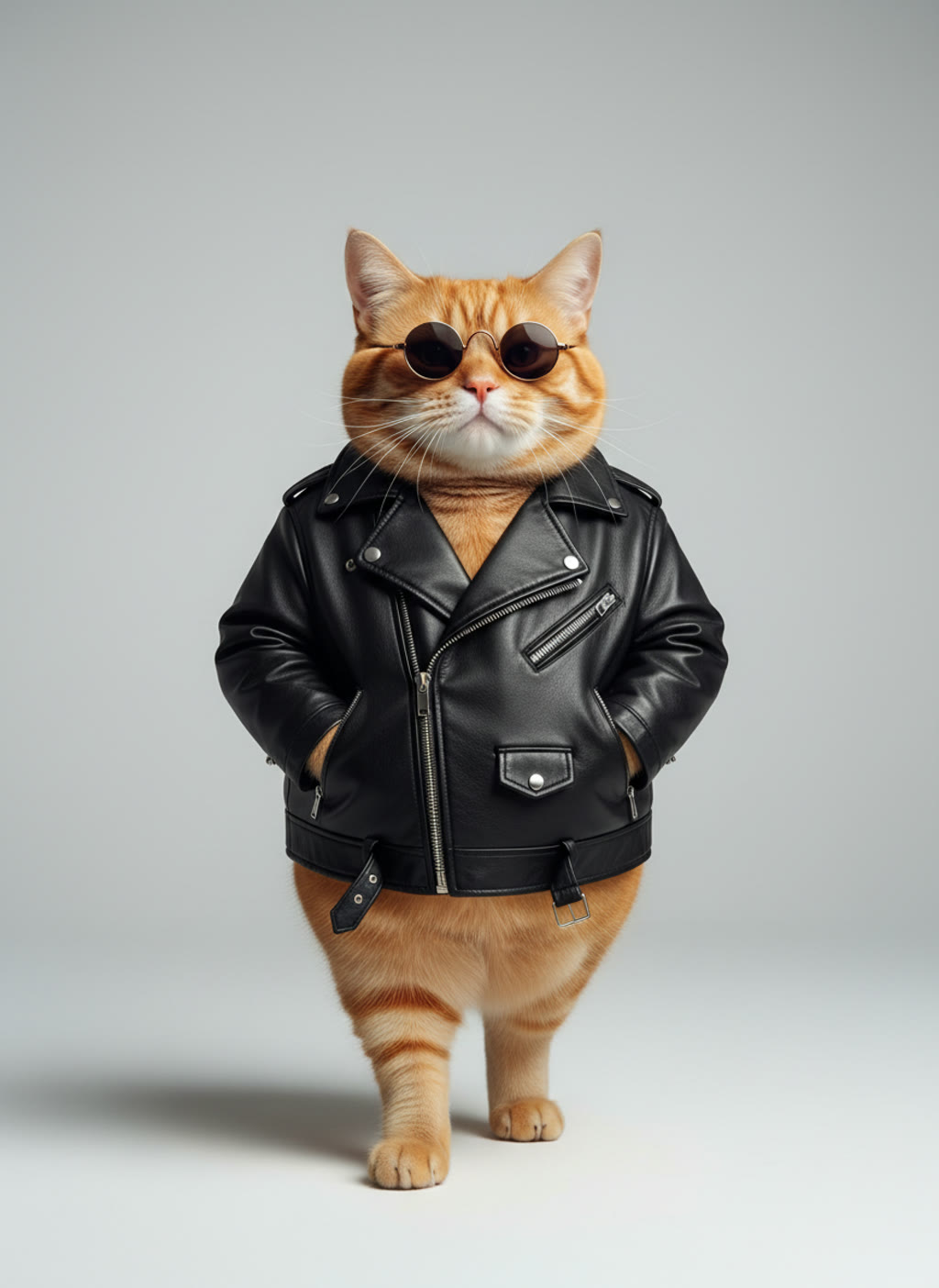
  • Orange cat in a leather jacket
Source
ResultAI-generated
Motion transferStandard · Kling O35 s · 125 credits

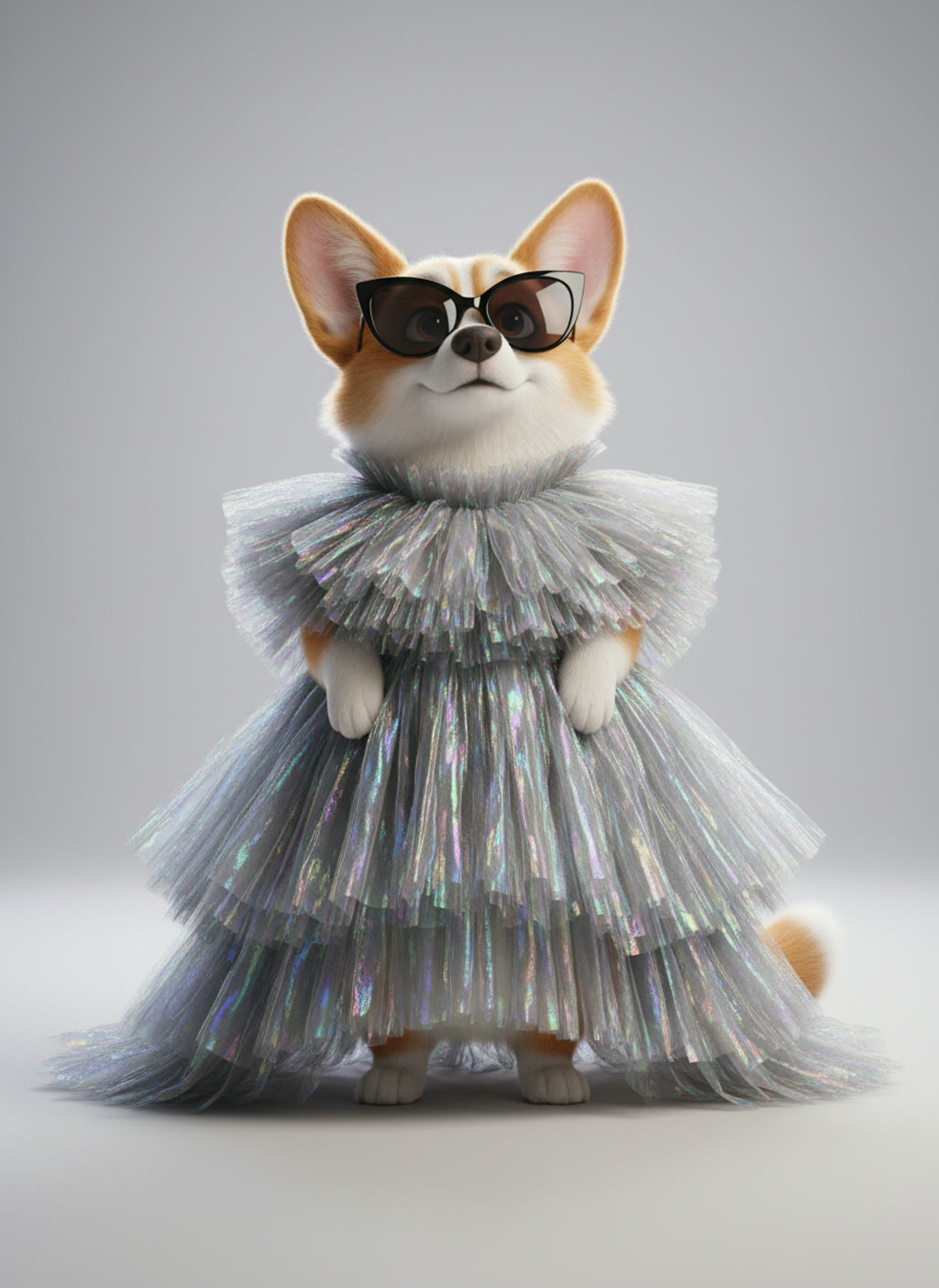
Runway walk → corgi in couture

“Replace the model on the runway with the corgi from the reference image, walking upright toward the camera with the same steps and pace. Keep the stage, the spotlights, the camera and the timing.”

  • Corgi in sunglasses and a silver gown
Source
ResultAI-generated
SwapPro · Higgsfield Genjutsu5 s · 250 credits

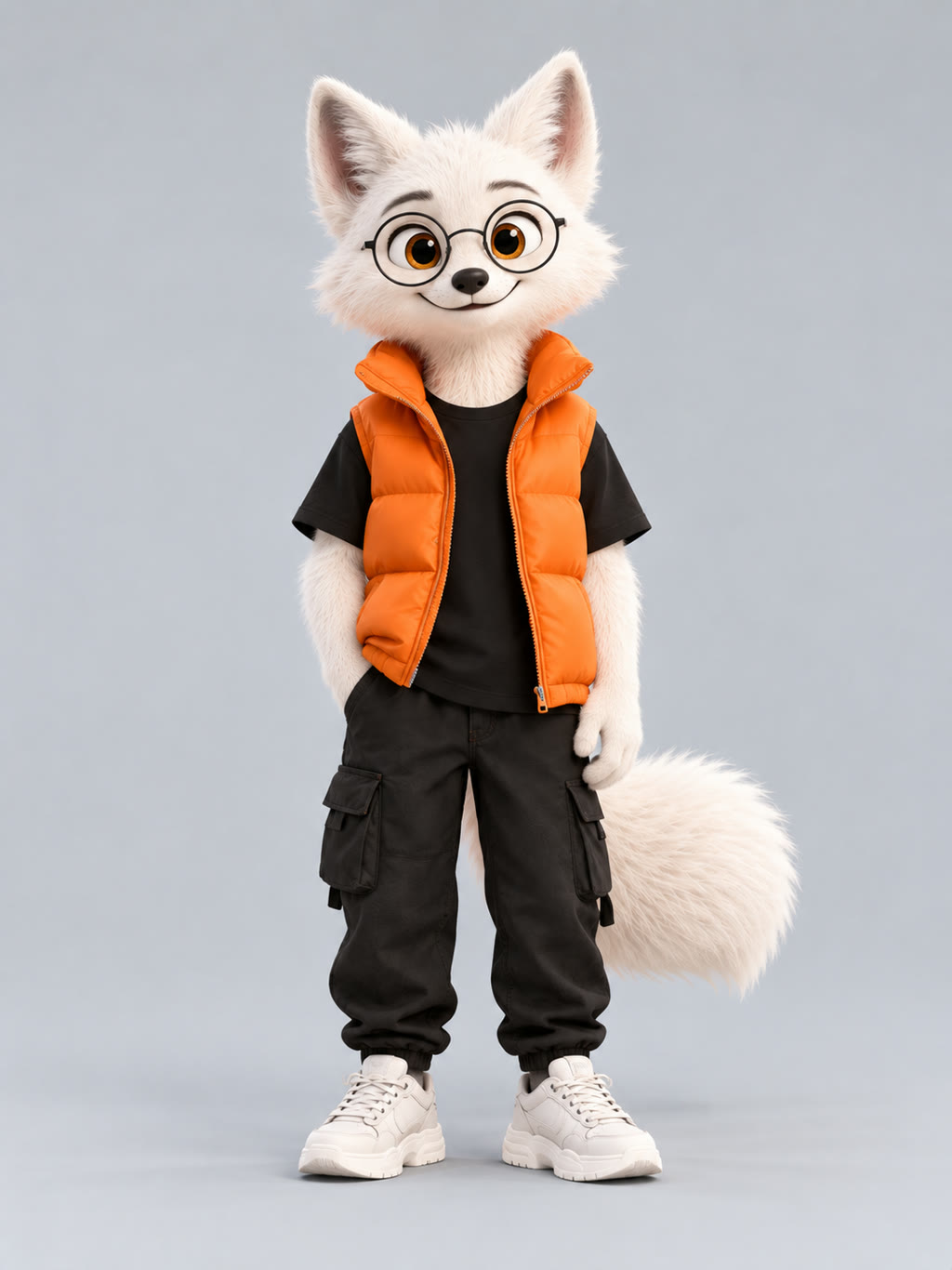
Neon dancer → 3D arctic fox

“Replace the dancer with the character from the reference image. Keep every arm and body movement, the timing, the camera movement and the neon-lit background exactly as in the original video.”

  • 3D arctic fox character

Character swap questions

  • The person in your clip is replaced by the character from your reference photo. The movement, the camera and the background of the original clip guide the new video, so the character takes the same steps in the same place.

  • The whole character: body, clothes and look all come from your photo. It is not a face swap.

  • Pets, mascots, cartoon and 3D characters, or a figure you designed. A real person only with their consent. One photo on a plain background is enough; Pro takes up to 8 references, Standard up to 4.

  • Clips of 4 to 30 seconds (up to 15 in Standard) with one main person who is clearly visible most of the time and a fairly steady camera. You don't need a green screen.

  • A 5-second clip costs 125 credits in Standard or 250 in Pro at 480p, and the editor shows the exact number before you render. The $4.99 trial pack has 300 credits. There are no free renders, and a render that fails or is blocked by moderation gives its credits back.

  • Say what should stay in your prompt, for example "keep the background and the camera movement", and use a reference that is clearly different from the original person. Standard is cheaper for testing; Pro runs the Genjutsu model.