AI Motion Transfer

Add a reference video and a photo of your character: the AI copies every step and gesture onto your character, keeping the camera and the timing.

Start with a task

Add a reference image of the new character, then say what should stay.

Sample model: Pro · Higgsfield Genjutsu

Describe the change

Effect

Reference images (1–8)

Photos of what goes in: the new outfit, character, product or car.

Choose your AI model

Resolution

Pro runs Higgsfield Genjutsu through its official API. It is the option for this specific model; a better result is not guaranteed.

Trial pack · $4.99· 300 credits

Credits are based on clip length, rounded up to whole seconds. AI output can change faces, hands, backgrounds or framing; a completed result is charged even if you dislike it.

Signing in or buying credits temporarily saves this setup on this device. Your files are not uploaded until you generate.

Motion transfers made here

The reference moves on the left, the character copying them on the right. Press Recreate to load the same setup into the editor above.

Source
ResultAI-generated
Motion transferPro · Higgsfield Genjutsu5 s · 250 credits

Street dance → robot dancer

“The robot from the reference image performs the exact same dance on the same night basketball court. Keep the camera, framing, timing and the green court lights.”
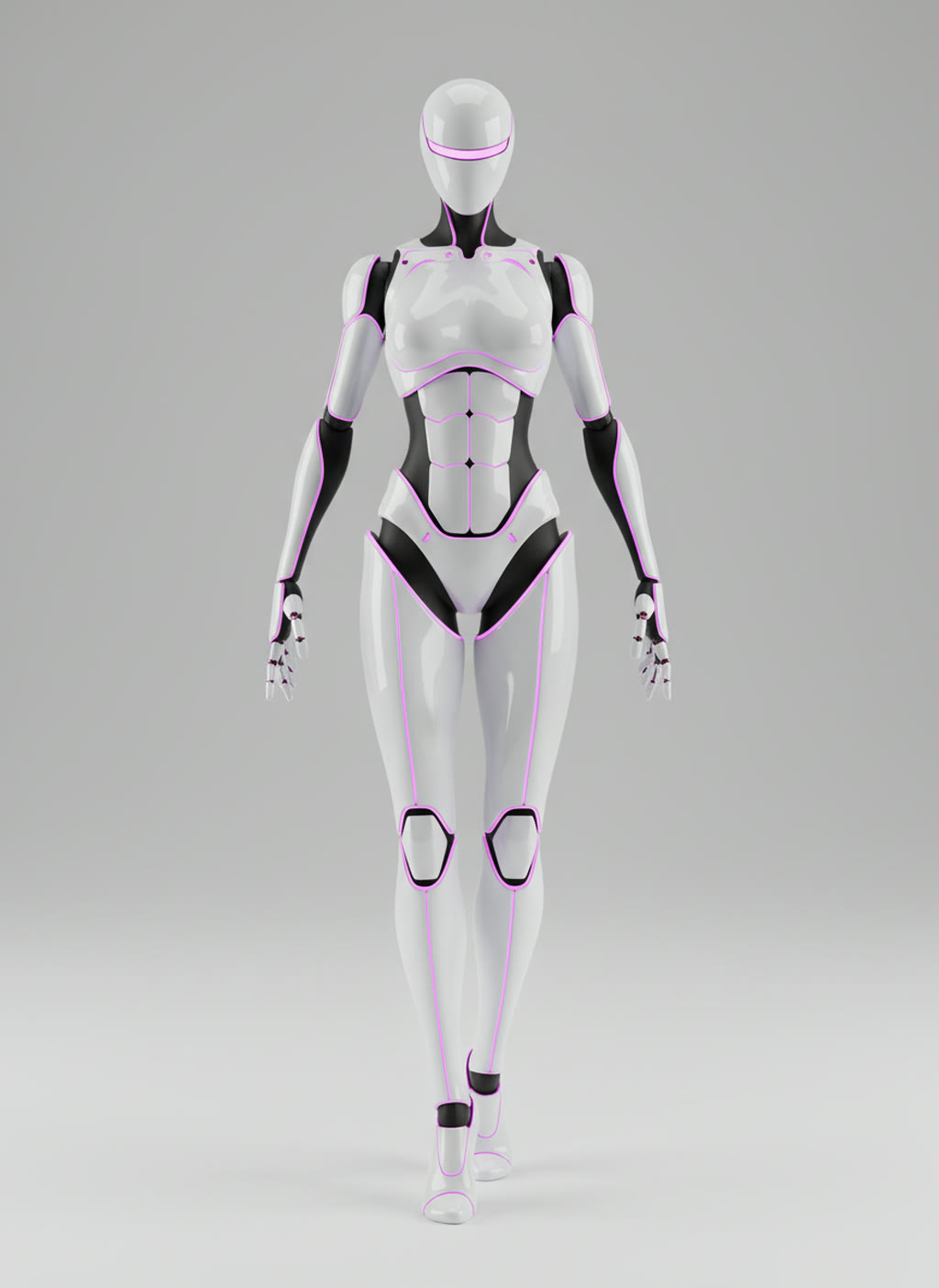
  • White humanoid robot with magenta lights
Source
ResultAI-generated
Motion transferStandard · Kling O35 s · 125 credits

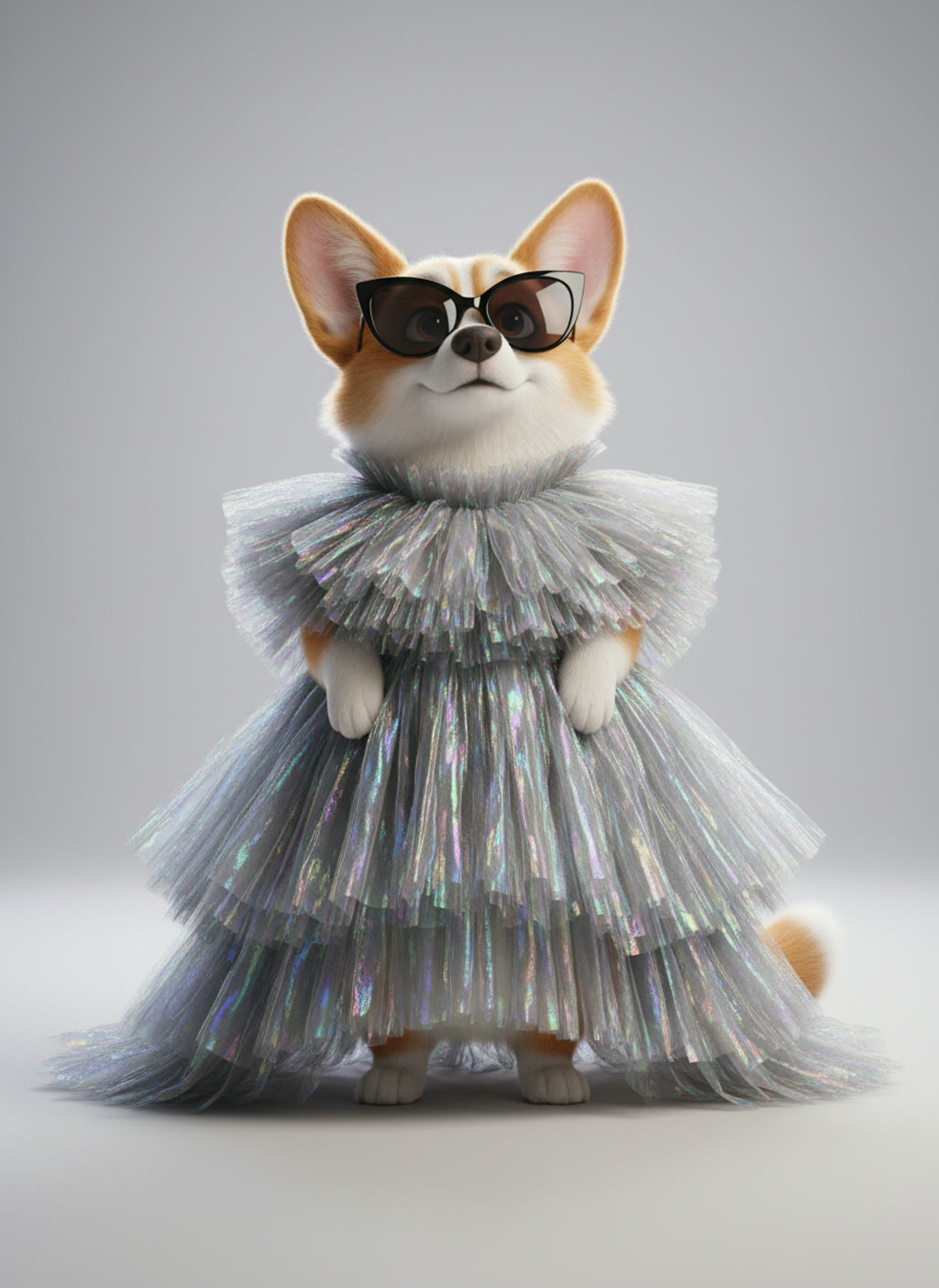
Runway walk → corgi in couture

“Replace the model on the runway with the corgi from the reference image, walking upright toward the camera with the same steps and pace. Keep the stage, the spotlights, the camera and the timing.”

  • Corgi in sunglasses and a silver gown
Source
ResultAI-generated
Motion transferStandard · Kling O35 s · 125 credits

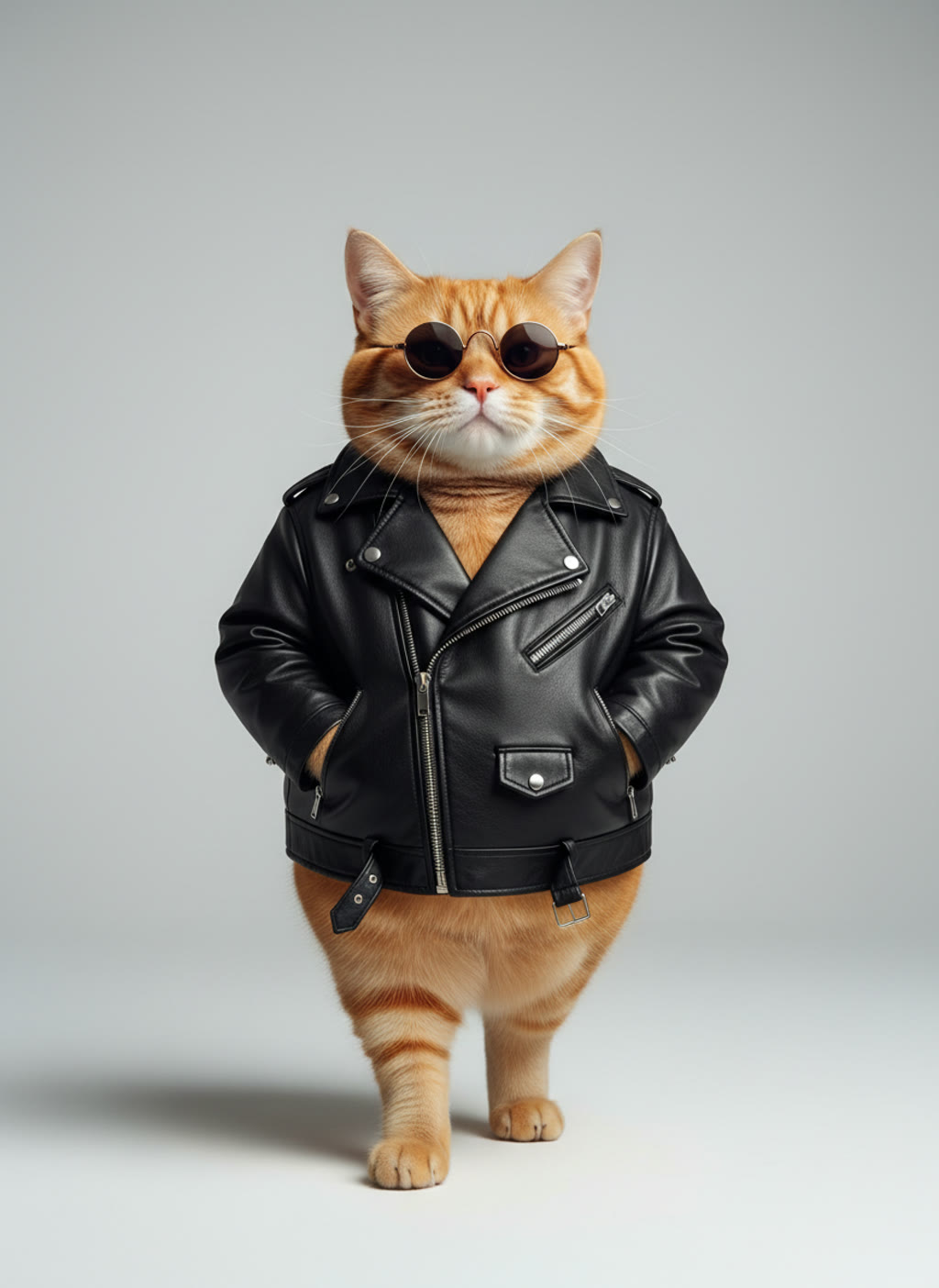
Corridor walk → cat in a leather jacket

“Replace the man with the orange cat from the reference image, walking upright on its hind legs toward the camera with the same stride. Keep the teal corridor, the yellow backlight, the camera and the timing.”

  • Orange cat in a leather jacket

Motion transfer questions

  • The AI takes the movement from a reference video and gives it to the character in your photo. Steps, gestures, timing and the camera come from the clip; the look comes from the photo.

  • No. Any normal video works: the AI reads the movement straight from the footage. There is no suit, no markers and no skeleton to edit.

  • One person, full body in view, 4 to 30 seconds (up to 15 in Standard) and a fairly steady camera. Moves hidden behind other people or objects transfer less cleanly.

  • One character, full body, arms and legs visible, on a plain background. Cartoon and 3D characters, mascots and pets all work; a real person only with their consent. A pose close to the first frame of the clip gives the cleanest result.

  • A 5-second clip costs 125 credits in Standard or 250 in Pro at 480p, and the editor shows the exact number before you render. The $4.99 trial pack has 300 credits. There are no free renders, and a render that fails or is blocked by moderation gives its credits back.

  • No. Renders are private to your account and saved in My videos. We never post them to a gallery or a public page.